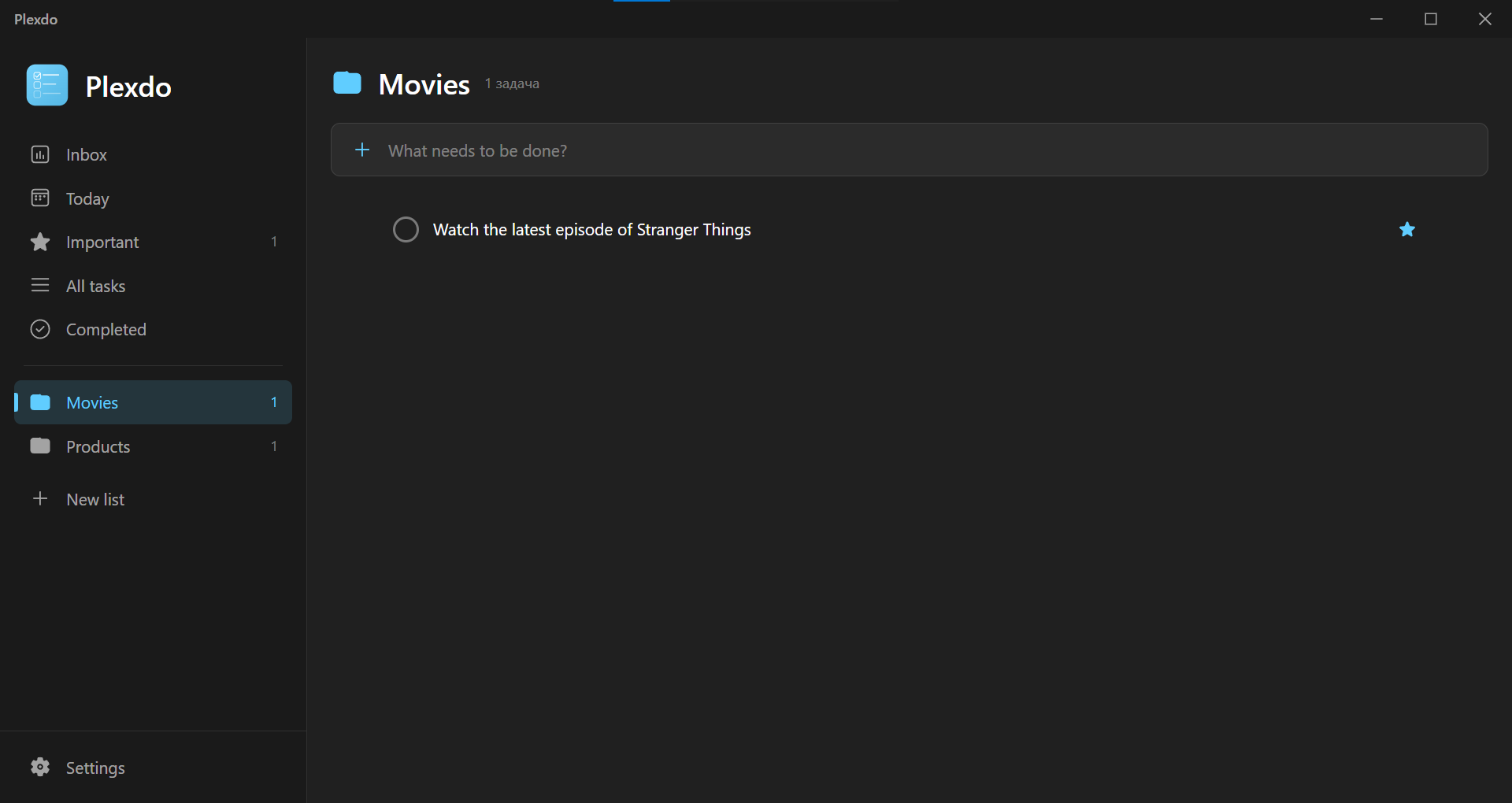
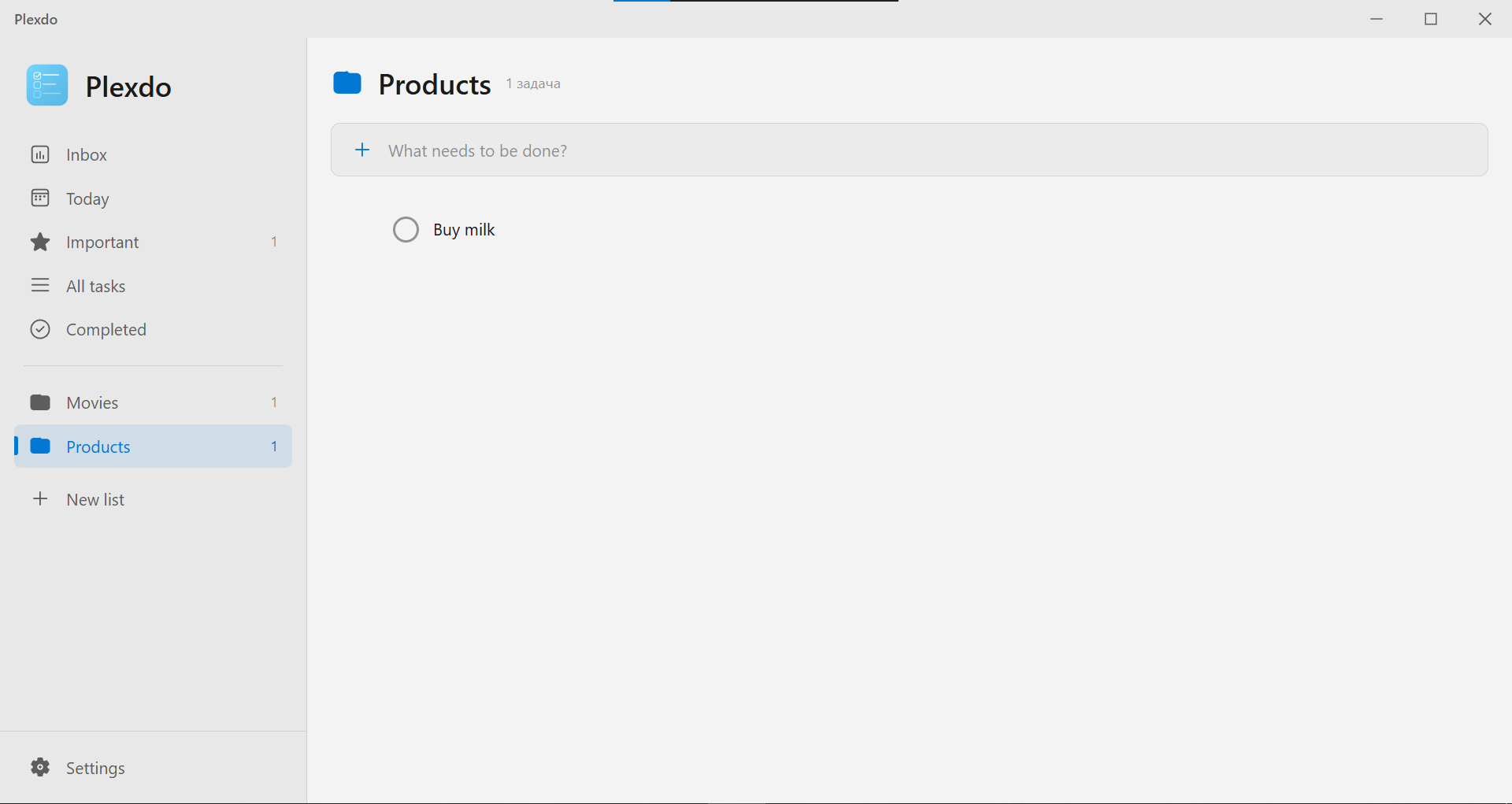
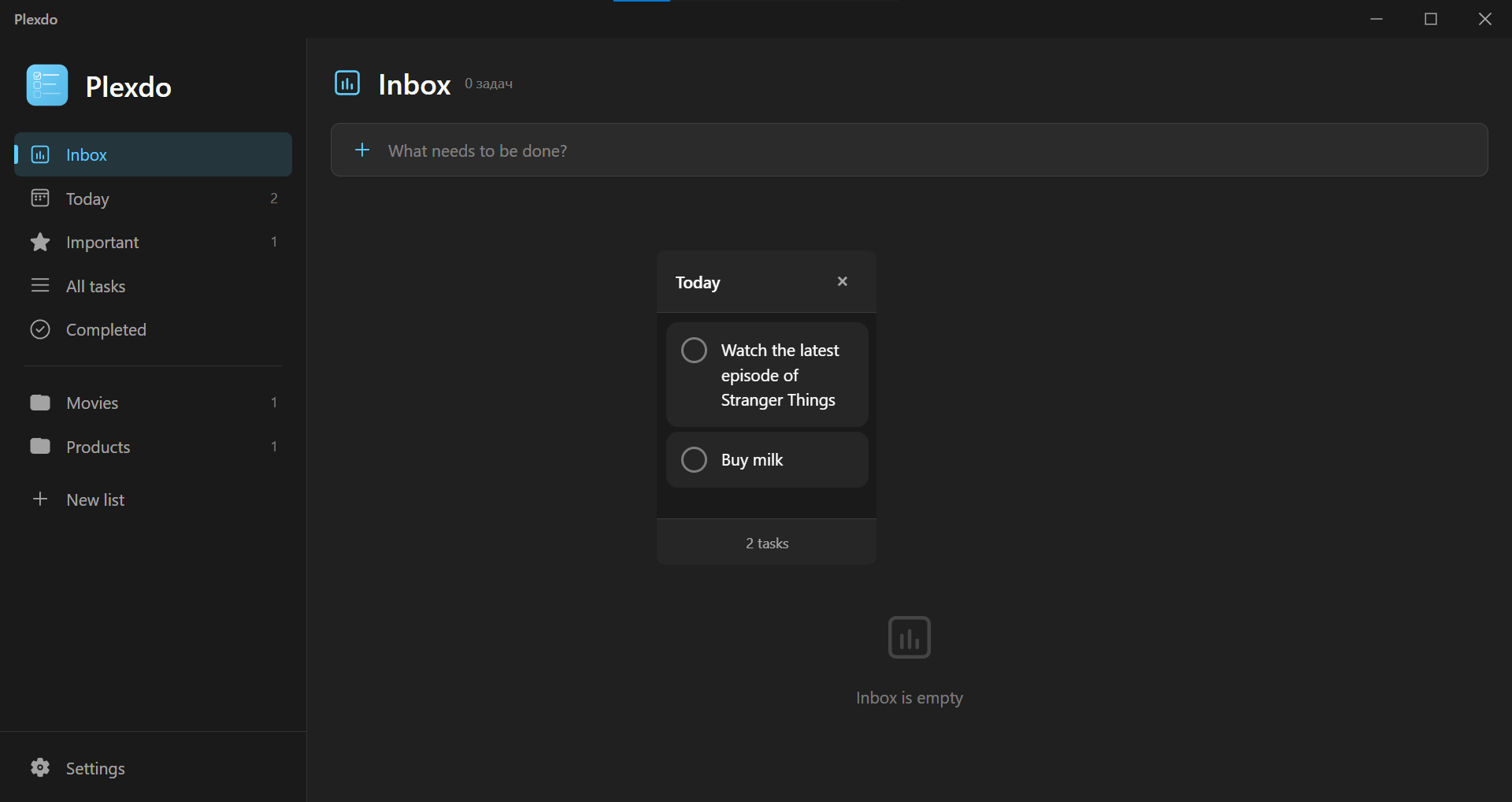
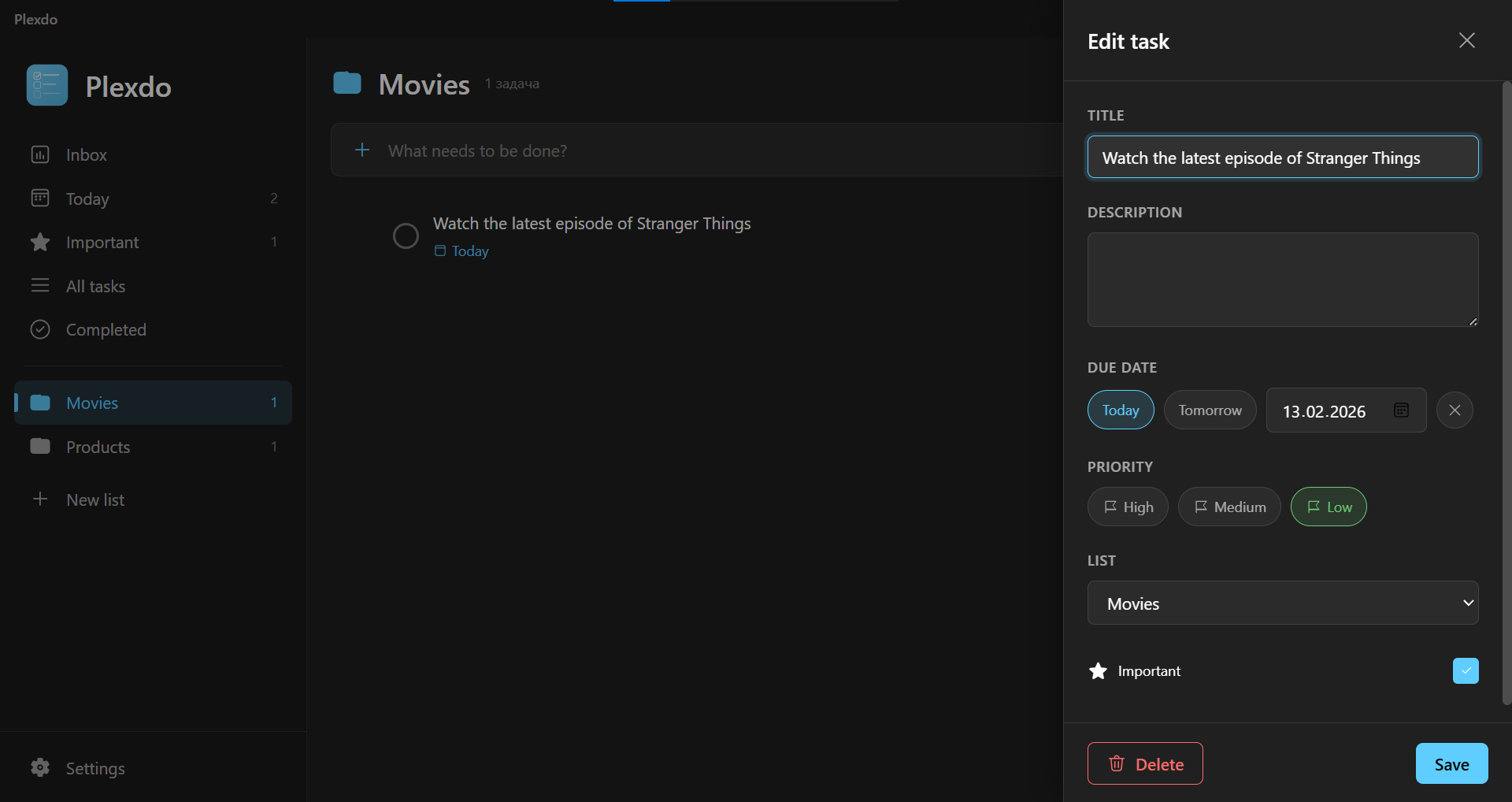
Plexdo only contacts Firebase for sync. No third-party analytics, no behaviour tracking, no ad SDKs.
Your data is yours
Tasks live in your own Firestore document. Sign out and everything stays local. Delete your account from the app and the data is gone.
Audit it yourself
Run the installer through VirusTotal or monitor the app's network calls — Plexdo only talks to Firebase. External verification is welcome.
FAQ
Frequently asked questions
Yes — Plexdo is completely free. No subscriptions, no ads, no in-app purchases. Server and database hosting are paid by the developer. If you'd like to support development, you can do so on Patreon.
The Android version is in active development and planned for release on Google Play in Q2 2026. It will share the same architecture and features as the Windows version, including cloud sync and shared lists.
If you sign in with Google, your tasks are synced to a secure Firebase Firestore database in real time. If you don't sign in, everything stays local in %APPDATA%/JXNify/Plexdo/Data as JSON files. Both modes work fully offline.
Yes. Data is stored in Google Cloud (Firestore) and protected by strict security rules — only you and people you explicitly share a list with can access it. Plexdo doesn't collect analytics and doesn't track your behaviour.
Yes. Open any list, click "Share", enter the recipient's email, and they'll receive an invite inside the app. Once accepted, both users can edit the list in real time and see who created each task.
10 languages: English, Russian, Ukrainian, German, Spanish, French, Italian, Polish, Brazilian Portuguese, and Turkish. All translations are done manually for natural-sounding text.
Yes. Plexdo checks for updates on launch and notifies you when a new version is available. You always choose when to update — it's never forced.
Use the "Report a bug" button in the app's settings — it opens a short Google Form. All feedback is read personally by the developer and used to improve Plexdo.
Support the project
Help keep Plexdo free
Powered by people who like the app
Plexdo is and will stay completely free. Server and database hosting costs are paid out of the developer's own pocket. If the app makes your day easier and you'd like to chip in for hosting and future development — Patreon is the way.
 Verified by
Softpedia · 100% Clean Certificate
Verified by
Softpedia · 100% Clean Certificate